Adding a Site
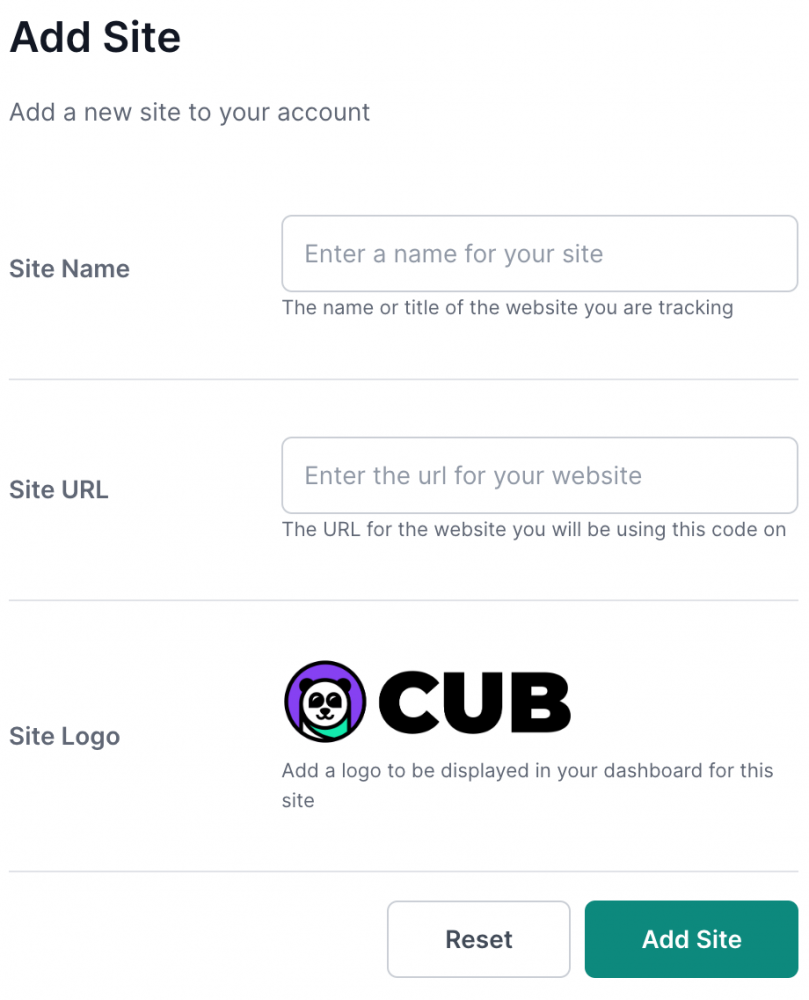
You can manage multiple websites from a single dashboard account. Each website can have its own settings and will have its own set of analytics collected. To add a new site, simply click the "Add Site" button on your main dashboard page and enter the site's name, URL, and logo. The logo is only used for display purposes within the dashboard.