Adding Additional Users
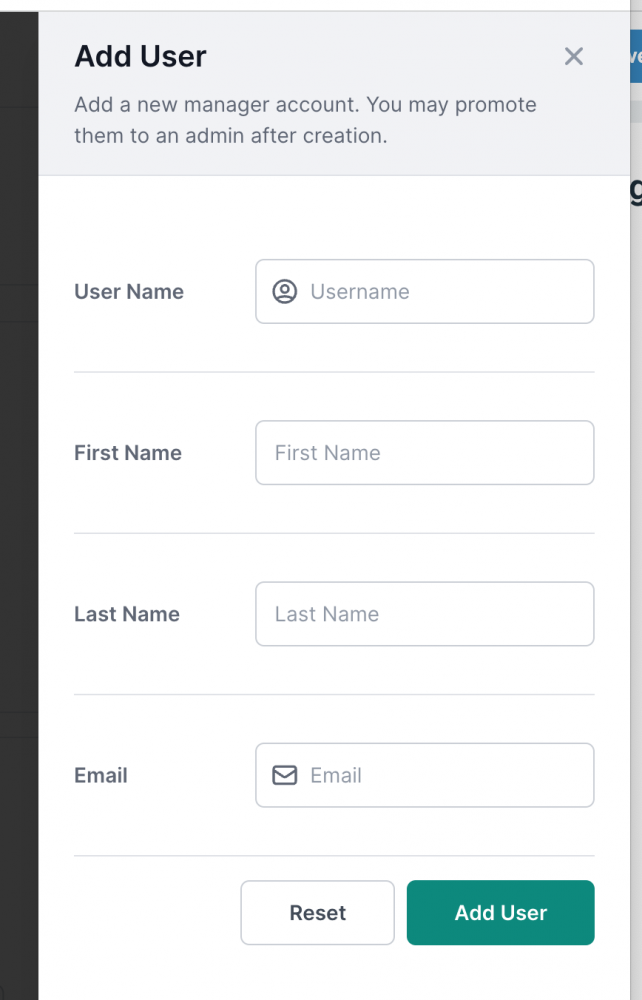
From the NETWORK SETTINGS area, you can click on the USERS tab to give additional members of your team access to your account. To do this, simply click "Add User" and create a User Name for them, and input their First Name, Last Name, and Email Address. When you click the green "Add User" button, the new user will receive an email that will ask them to setup a password to complete their registration.
CUB currently supports two levels of member access:
Admin User - A user that has access to all features, including the ability to add, remove, and promote additional users.
Manager - A user account that can manage all site settings, but can not manage other users.